Designing for iPhone Duo: What UX/UI Designers Should Know About Wireframes

October 8, 2026
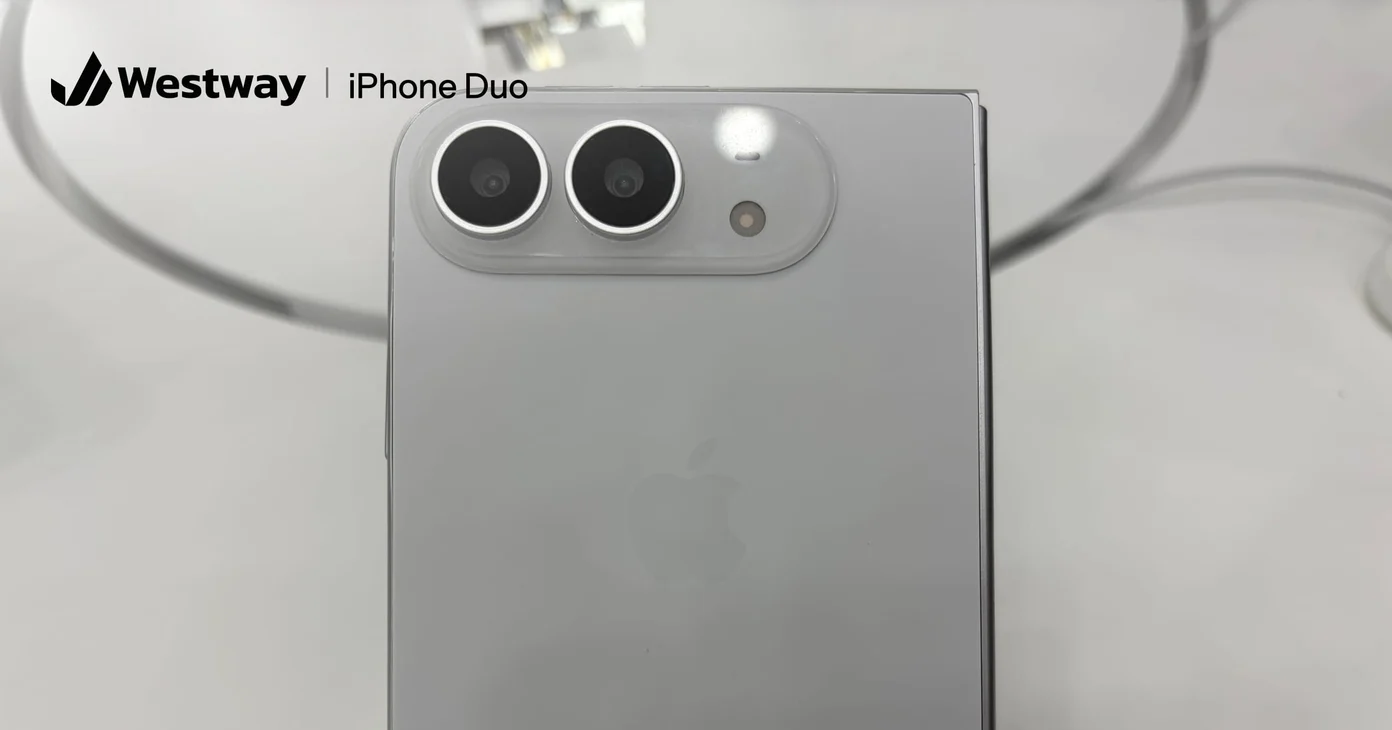
Photo by 茅野ふたば, CC BY-SA 4.0, via Wikimedia Commons (cropped, logo added)
Designing for iPhone Duo starts with one shift: stop drawing a phone screen and start drawing a layout that can grow, shrink, and change shape in the middle of a task. Apple's foldable iPhone goes on sale October 23, and the apps and sites that look broken on it will be the ones wireframed for one fixed screen.
What did Apple announce?
Apple unveiled iPhone Duo on September 9. It has a 5.4-inch outer display for when it's closed and a 7.6-inch inner display for when it's open. Pre-orders open October 16, it reaches stores on October 23, and it starts at $1,999 running iOS 27.1.
Two details matter most for wireframes. Both displays share the same aspect ratio, and Apple says content scales proportionally as the phone opens. iOS 27 also moves the Dock and app navigation to the side of the open screen, and iPhone gets Split View, so your app or site may share the screen with another app.
What does designing for iPhone Duo change in a wireframe?
Designing for iPhone Duo changes what a wireframe has to describe. One device frame no longer captures the experience, because a single session can move from the outer screen to the inner screen to half of it in Split View.
Apple's developer guide for iPhone Duo spells out why. An iPhone app can now end up with any combination of size classes, folding the phone can resize an app mid-session, and checks for specific device sizes won't match the new screens.
For each key screen, we'd wireframe three states:
- Closed: the familiar one-column phone layout on the outer display.
- Open: the inner display, where a stretched phone layout wastes space and looks unfinished.
- Shared: a narrower slice of the inner display when the app runs in Split View.
Then annotate what moves, grows, or hides between them. Our guide to wireframes, mockups, and prototypes explains where those layout rules belong.
Should the open layout be a stretched phone screen?
No. When designing for iPhone Duo, treat the open state as its own layout, closer to a small tablet than a big phone. Wide space should show more structure, not bigger buttons.
Patterns that work well open:
- A list on the left and the detail on the right, so people can scan and read without going back and forth.
- A sidebar for navigation, which matches where iOS 27 now puts app navigation.
- Fewer, larger content areas instead of every phone element scaled up.
Apple's guide also warns against treating a regular-width layout as the iPad version, since an iPhone can now be regular width too. Keep the hierarchy the same in every state. Someone who learns your app folded should find the same things in the same order when it's open.
How should images and video behave?
Plan crops before pixel sizes when designing for iPhone Duo. Apple warns that hero images and videos set to fill the screen can lose important content on wider displays, and recommends choosing fill or fit by the space available, or setting a focal point.
For every hero image or video in your wireframes, mark the focal point and what must stay visible. A product photo cropped to fill a wide screen can lose the product. Our post on web design imagery covers images that survive different crops.
What about websites?
Websites need the same care when designing for iPhone Duo, because people will browse on both screens and in Split View. Apple's announcement and developer guide don't list pixel resolutions or browser viewport sizes, so don't design to a guessed number.
What you can do now:
- Check your breakpoints between phone and small-tablet widths. The open screen may land on your tablet layout, so make sure that layout works on a handheld screen, not only an iPad.
- Replace device-specific breakpoints with fluid layouts that respond to the space they have, the same rule Apple now applies to apps.
- Resize a desktop browser window slowly from narrow to wide and look for layouts that break in between.
How do you test before launch day?
Testing is the part of designing for iPhone Duo you can start today. Apple's guide lists three tools: the resizable iOS simulator in Xcode's Device Hub, iPhone Mirroring on macOS 27 with the window dragged to extreme sizes, and the iPhone Duo simulator in Xcode 27.1.
Add one step to design reviews: walk through each key flow, fold or resize halfway through, and check that nothing gets lost, such as a half-filled form, a scroll position, or a selected item.
Frequently asked questions
When does iPhone Duo go on sale?
Pre-orders open October 16, and it goes on sale October 23, starting at $1,999 in the US.
How big are the iPhone Duo screens?
The outer display is 5.4 inches and the inner display is 7.6 inches, and both share the same aspect ratio.
Do I need separate designs for each screen?
No. Designing for iPhone Duo works best as one layout system with rules for how it adapts, checked closed, open, and in Split View. Fixed designs break as soon as the window changes size.
Will my website work on iPhone Duo?
A responsive site will display, but check it between phone and tablet widths. Apple hasn't published viewport sizes, so test a range of sizes.
Is designing for iPhone Duo worth it for a small business?
If your customers use your app or site on an iPhone, yes. Most of the work is in your layout rules, and it also helps on other phones, tablets, and resizable windows.
Plan the layout rules before October 23
Designing for iPhone Duo comes down to rules, not screens: what goes where as space grows, what stays put, and what never gets cropped. If your app or site needs that work before launch, our design team can audit your current layouts and rework the wireframes, and our development team can test and fix the build.
