Font Pairing: How to Choose Fonts That Work

September 19, 2026
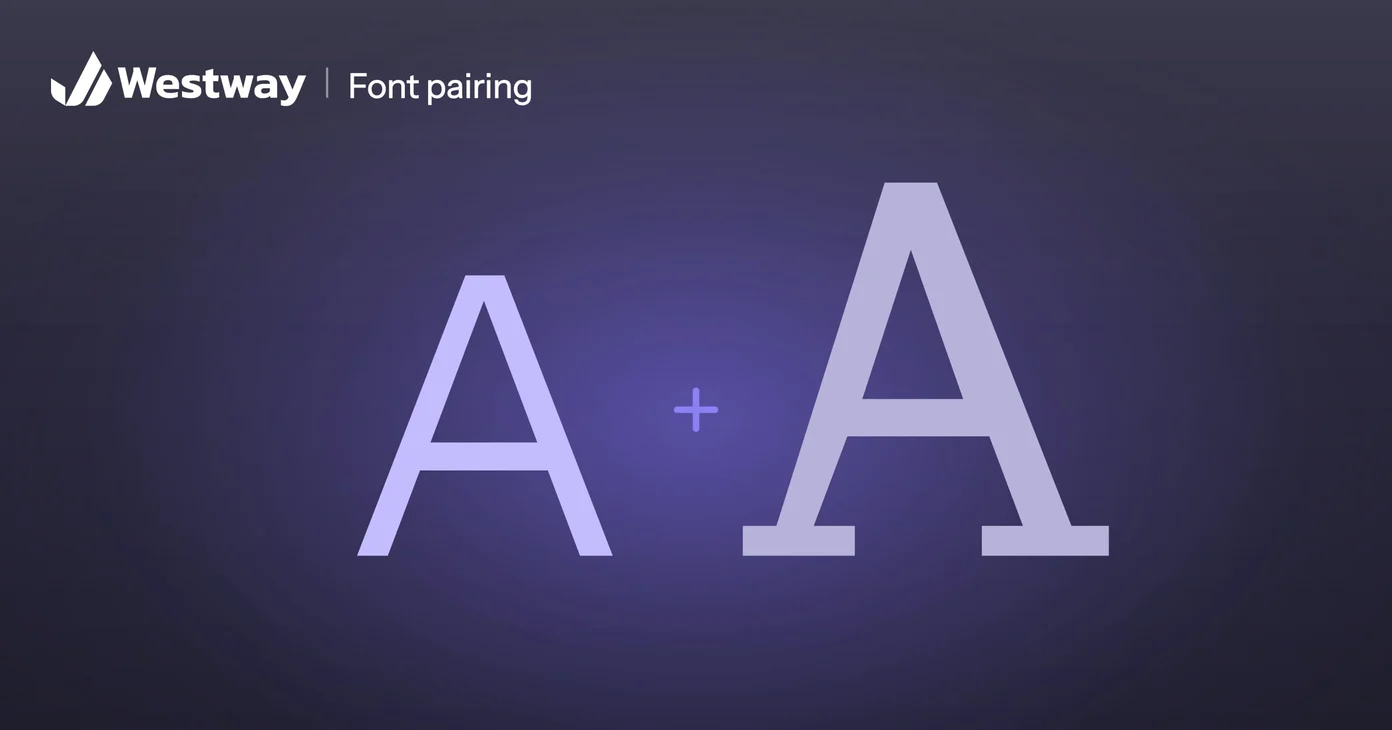
Typography is a core element of web design, and choosing fonts that work well together is a skill that takes practice. Many sites use fonts that clash, making pages harder to read and less professional. Other sites overuse decorative fonts, turning text into visual noise. Understanding how to pair fonts creates pages that are both readable and visually interesting. This guide covers the principles and practical tactics. A good font pairing makes a design look polished rather than amateur.
What makes fonts pair well?
Fonts that pair well usually have contrasting styles but share a common weight or feeling. A serif font (with small lines on letters) pairs well with a clean sans-serif font. A decorative font used sparingly pairs well with a simple, readable font for body text. Fonts that are similar often clash; using two serif fonts that are almost the same usually looks worse than using one serif and one sans-serif. The best font pairings have contrast but harmony, drawing attention without feeling chaotic.
What are the classic font pairing patterns?
One classic pattern is using a serif font for headings and a sans-serif for body text, or vice versa. This combination is readable and visually interesting. Another is using a distinctive font for headings and a simple, readable font for body. A third is using a serif font for body text and a decorative or script font for accent text, like a tagline. These patterns work because they are common and readers are familiar with them.
Where can you find font pairings that work?
Rather than guessing, use resources designed for pairing. Fontpair is a free tool that shows hand-picked pairs of free fonts and lets you preview them with your own text, and its Figma plugin brings Google Font pairing suggestions into Figma. Google Fonts, a free font library, publishes guides to pairing typefaces. On paid plans, Figma’s AI agent can also suggest pairings when you ask. Start with these resources to see what pairing feels right for your brand, then implement it on your site.
What matters most when choosing fonts?
Decorative fonts are fun, but readability must come first. Body text should be in a clear, simple font, usually sans-serif or a traditional serif. Decorative fonts should be used sparingly for headings or accent text. Test your font choices on different devices and sizes; a font that looks great at large sizes might be hard to read at small sizes. The goal is a site that is beautiful and easy to read.
Can you use any font on a website?
Not all fonts work on the web. Fonts must be either already installed on people’s devices or hosted by your site or a service. Google Fonts provides free fonts designed for web use. Many design tools offer fonts you can use. If you fall in love with a custom font from a designer, ensure you have a license to use it on the web; some licenses restrict use. Verify before using.
How do you test fonts before committing?
Put your chosen fonts on a sample page and view it in different browsers and on different devices. Ask others what they think. Reading a paragraph in the chosen fonts tells you more than looking at the font sample. Small sizes, mobile devices, and print all show different aspects of how a font works. Test thoroughly before implementing sitewide.
What font pairing mistakes should you avoid?
The most common font pairing mistake is choosing two fonts that are too similar, which looks like a mistake rather than a choice. The opposite error is pairing fonts that clash so badly they fight for attention. Good font pairing usually means one font for headings and one for body text, with enough contrast to feel intentional but enough harmony to feel unified.
Why start from a proven font pairing?
Starting from a proven font pairing and adjusting is far faster than testing fonts at random. You do not have to guess at font pairing: Google Fonts explains how to pair typefaces, and several free tools show font pairing combinations side by side so you can preview them before committing.
Why test fonts on real content?
Type specimens look great in isolation and fall apart on a busy page. Before committing, drop your choices into a real layout with actual headings, paragraphs, buttons, and captions, then view it on a phone as well as a desktop. Check readability at small sizes and confirm the contrast between heading and body still feels intentional. Stepping back from the screen, or squinting, quickly reveals whether the combination guides the eye or muddles it. A pairing that survives this test on real content is far more trustworthy than one chosen from a sample alone.
Frequently asked questions
How many fonts should my site use?
Two to three usually works best. More than that feels chaotic. One font works fine if it is versatile and readable.
Should headings and body use different fonts?
Often yes, but not always. Sometimes using the same font with different sizes and weights works well.
Are serif fonts readable on screens?
Yes, though sans-serif is more common. Readability depends on the specific font and size, not whether it is serif or sans-serif.
Can I change my site’s fonts?
Yes, anytime. It is one of the quickest design updates and has a big visual impact.
Create beautiful, readable typography
Well-chosen fonts make your design feel polished and professional. Our design team chooses font pairings that reflect your brand and keep your site readable and beautiful.
