Design Systems, Explained for Small Businesses

May 4, 2026
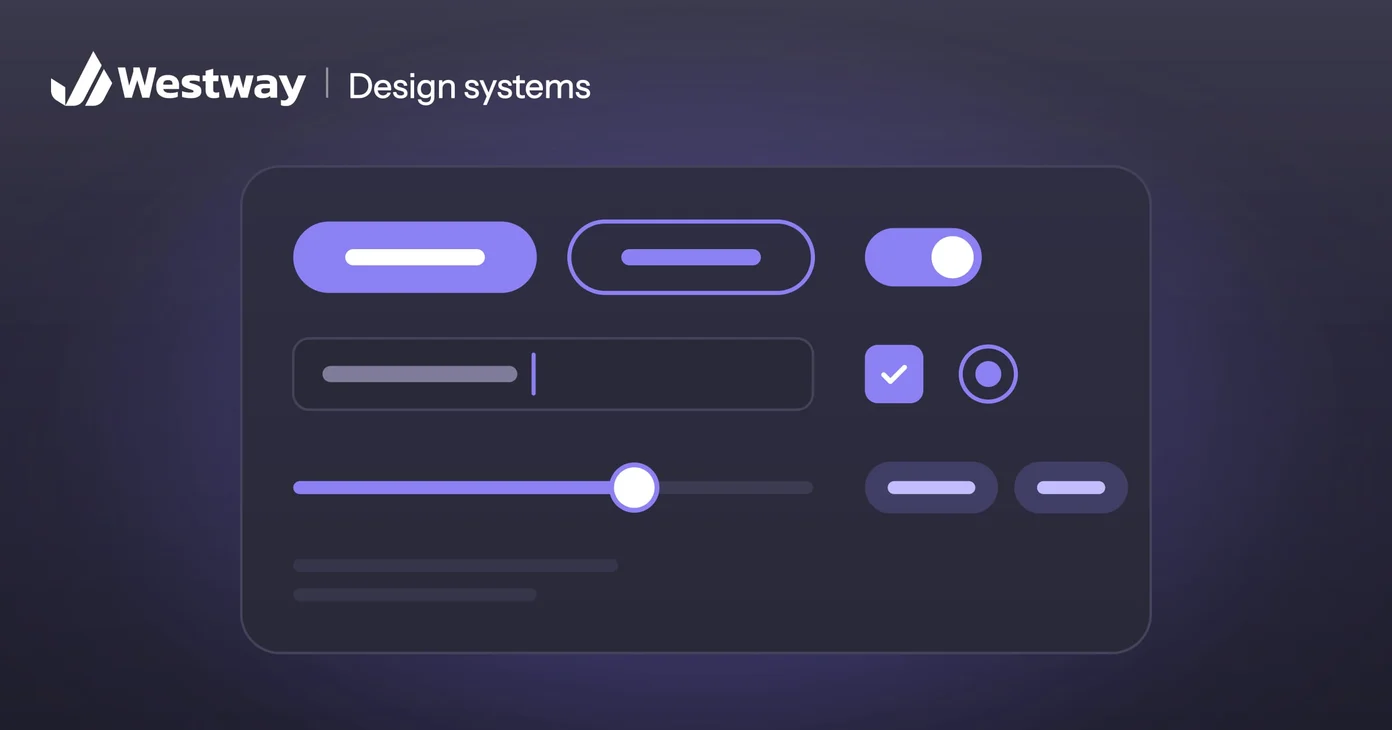
A design system is a shared set of rules and reusable parts, like colors, fonts, buttons, and spacing, that keep everything your business makes looking consistent. Big companies use them to stay coherent across hundreds of pages; smaller businesses can use a lighter version to look professional and move faster. This guide explains what goes into one and how small yours can be.
What does a design system include?
At its simplest, a design system documents the building blocks of your brand's look:
- Colors. Your exact brand colors and where to use each.
- Typography. Which fonts and sizes for headings and body text.
- Components. Reusable pieces like buttons, forms, and cards.
- Rules. Spacing, logo use, and tone, so everyone applies them the same way.
Together these turn "make it look like us" into clear, repeatable instructions. In fuller systems, each component also exists as finished code, so developers build pages from the same parts designers draw. That shared library is what makes large systems fast.
Why does a small business need one?
Because it stops every project from starting at zero. Without a design system, every new page, ad, or document gets designed from scratch, and small inconsistencies pile up until the brand looks scattered.
Picture your website's buttons: a few slightly different blues, some rounded corners and some square, each added by a different person in a hurry. A simple system replaces them with one button that everyone uses. It speeds up every future project, keeps your brand recognizable, and lets you hand work to a new designer or developer without losing consistency. The Nielsen Norman Group calls the ability to replicate designs quickly from premade parts the main benefit of a design system, and notes that the payoff becomes substantial once many teams and screens are involved.
How big does it need to be?
Not big. A small business does not need the hundred-page system a global brand maintains. A one-page reference with your colors, fonts, and a few component rules captures most of the benefit. Start small and grow it only as your needs do.
Even the Nielsen Norman Group's own guidance says a full system pays off when a company expects years of repeatable design work, and is unlikely to pay back soon for a prototype that's likely to change. For most small businesses, the lightweight version is the right call.
What does a lightweight design system look like?
One page, or one shared design file, covering the decisions people make most often:
- Color tokens. Each brand color with its exact value and its job. A token is a named value, like "brand-blue", that designers and developers both use, so changing a color happens in one place.
- A type scale. Sizes and weights for each heading level and for body text, on desktop and mobile. Our guide to font pairing helps if you're still choosing the fonts.
- Spacing steps. A short set of standard gaps instead of whatever looked right that day.
- Core components. Buttons with their hover and disabled states, form fields, cards, and navigation.
- Usage notes. A line or two on when to use each one.
It should live in two places: the design file your designer works from, and matching components in your website's code. If the two drift apart, the system stops working.
When should you create one?
It pays off once you produce material regularly or work with more than one person on your brand. If you are about to redesign your site or grow your marketing, that is the natural moment to set the rules down.
Building a design system during a redesign costs little extra, because the designer is making those decisions anyway. Retrofitting one onto an older site means auditing every page first, which takes longer.
Who keeps a design system up to date?
One named owner, usually your designer or the developer who looks after your site. That person approves new components and updates the reference when you add a new kind of page or campaign. When someone needs something the system doesn't cover, add it properly instead of improvising a one-off. Maintenance is ongoing work, and a system nobody maintains decays into a folder of outdated files that people quietly stop opening.
Frequently asked questions
Is this only for big companies?
No. A lightweight design system helps any business that wants to look consistent and save time. Most of the benefit comes from the first page of rules.
Who creates it?
A designer usually sets it up, often during a website or branding project, with a developer turning the components into code.
How is it different from a style guide?
A style guide is part of it, covering rules for colors, type, and logo use. A design system adds the reusable components themselves, built and ready to use. Our post on brand guidelines covers the brand rules in more detail.
Will it slow us down?
The opposite. After the setup, it makes every future project faster. The setup itself takes time, which is why a redesign is the best moment to do it.
Bring consistency to your brand
A clear design system makes a small business look bigger and move faster. To start, screenshot every button and heading style on your current site and put them on one page; the inconsistencies will show you where to begin. Our design team builds practical systems sized to your business, not bloated documents you will never use.
