What Mobile-First Design Means for Your Site

May 15, 2026
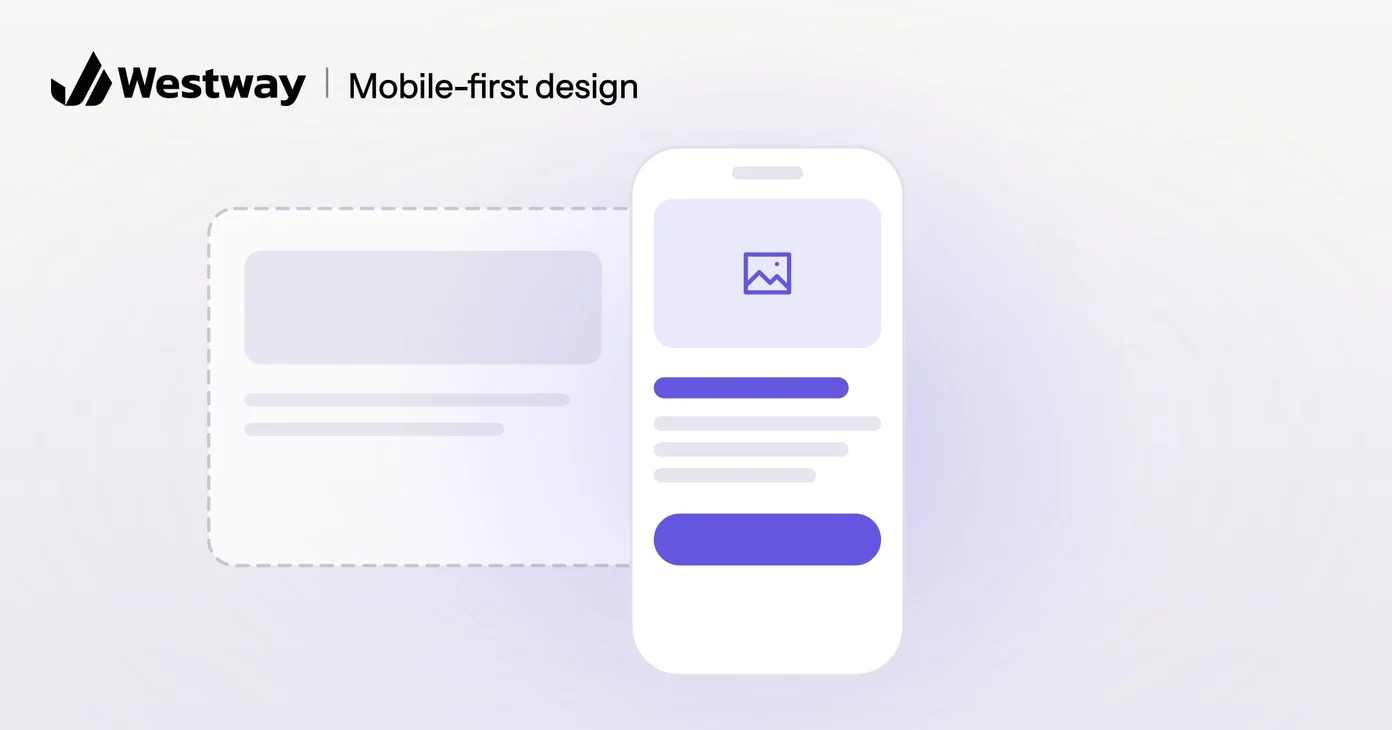
Mobile-first design means building your website for phones before desktops, rather than shrinking a desktop site to fit a small screen. Since most people now browse on phones, this order matters more than it sounds. This guide explains what mobile-first design is, why it improves your site for everyone, and how to check your own site.
How is mobile-first design different from the old approach?
The old approach designed for large screens and squeezed everything onto phones as an afterthought, which is why so many older sites feel awkward on mobile. Mobile-first design flips that. You start with the small screen, which forces you to decide what matters, then add to it as the screen grows. Starting from constraints produces clearer, more focused pages.
Take a law firm’s homepage. The desktop-first version might put a slider and a news sidebar beside the practice areas. On a phone, that becomes a long scroll before anyone finds the phone number. Designed for the phone first, the page leads with what a visitor came for: the practice areas and a way to call. The desktop version then adds room around them.
Is mobile-first the same as responsive design?
No. Responsive design is the technique that lets one site adapt its layout to any screen size, while mobile-first design is the order you design and build in. A site can be responsive and still desktop-first, which is how you get phone layouts that technically fit but feel cramped.
The two work together. A mobile-first site is built responsively, with the phone layout as the starting point. In the code, the basic styles are written for small screens, and extra rules switch on as the screen gets wider.
Why does it help every visitor?
Designing for phones forces hard choices about what is essential, and those choices improve the desktop experience too. Pages load faster, content gets clearer and the most important actions rise to the top. The discipline pays off on every screen, including the large ones.
Does mobile-first design help your rankings?
Yes. Search engines now judge sites primarily by their mobile version, so a site that works poorly on phones tends to rank worse, regardless of how it looks on a desktop. Google’s own web.dev resources reinforce how much mobile experience and speed affect visibility. Mobile-first design keeps you on the right side of that. Speed is part of the picture too, and our guide to Core Web Vitals explains the measures Google uses.
What does it look like in practice?
In practice, mobile-first design means readable text without zooming, buttons big enough to tap, fast loading on a phone connection and layouts that adapt to any screen. The details that make the difference:
- Tap targets. Buttons and links need room around them. The WCAG 2.2 accessibility standard sets a minimum of 24 by 24 CSS pixels at level AA, with some exceptions, and comfortable buttons are usually bigger.
- Forms. Fewer fields, and the right keyboard for each one, such as a number pad for phone numbers.
- The main action. A call or book button within easy reach of a thumb, not buried in the footer.
- No hover-only features. Phones can’t hover, so menus and extra details must open with a tap.
- Images sized for phones, so a small screen doesn’t download a photo meant for a large monitor.
The result feels natural on a phone and still works well on a larger display.
How do you test your site on a phone?
Use your own phone, on mobile data rather than office Wi-Fi, and try to do the one thing you most want visitors to do. Then check:
- Can you read every page without zooming?
- Can you tap each button without hitting its neighbor?
- Does a popup cover the content, with a close button that is hard to hit?
- Does the main action, such as calling or booking, take more than a few taps?
For a second opinion, run your key pages through Google’s PageSpeed Insights and look at the mobile results.
Frequently asked questions
Is mobile-first design only about phones?
No. It is a way of prioritizing that improves the site on every device, because the content that earns a place on a small screen is the content that matters.
Does my existing site need a rebuild?
Not always. Some sites can be adapted; others with deep layout issues benefit from a rebuild. If your site also struggles with speed or updates, check the signs your website needs a rebuild.
Does it affect SEO?
Yes. Search engines primarily assess the mobile version of your site, so how it works on phones shapes your rankings.
Does mobile-first mean a separate mobile site?
No. A mobile-first site is one site at one address that adapts to each screen. Separate mobile sites, often on an “m.” subdomain, are an older approach that means maintaining two versions. Google recommends responsive design because it is the easiest pattern to build and maintain.
Will it limit my design?
No. It focuses your design, which usually makes it stronger. Larger screens still get extra space and detail; they just can’t hide the essentials.
Make your site work everywhere
Mobile-first design ensures your site serves the majority of visitors who arrive on a phone. This week, open your site on your phone over mobile data and try the one task that matters most. If it takes zooming or hunting, start there. Our design team builds sites that feel right on every screen, starting with the one most people use.
