WordPress 7.1.3: What Business Site Owners Should Do Now

October 13, 2026
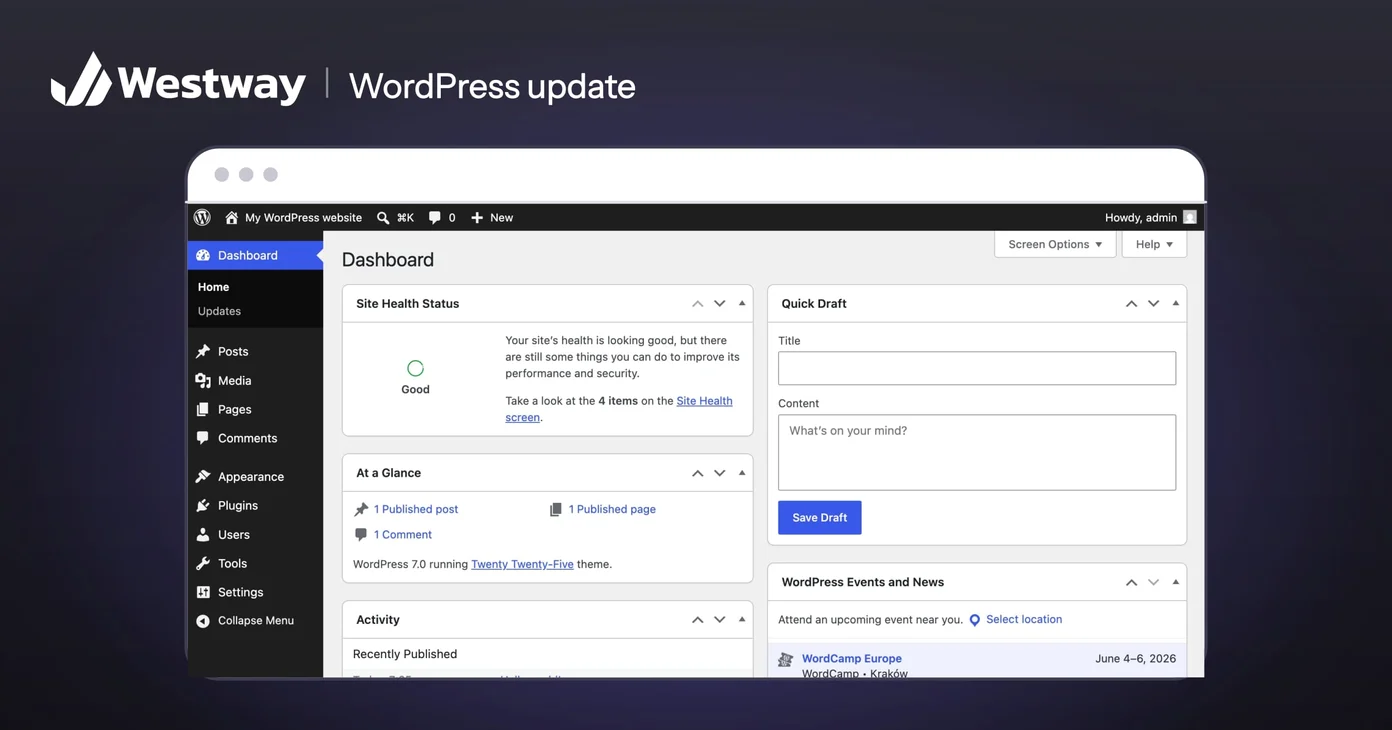
Photo by WordPress Foundation, GPL, via Wikimedia Commons (cropped, logo added)
WordPress 7.1.3, released on October 6, 2026, fixes seven security flaws, and WordPress recommends that every site update immediately. For a business site, the work is short: confirm the site is actually running it, take a backup if it isn't, update, clear the cache, and review who can log in.
None of the seven fixes is an emergency on its own. The pattern around them matters more, and it is the reason to check your site this week rather than assume it updated itself.
What does WordPress 7.1.3 fix?
It closes seven security holes, most of which need someone to already have an account on your site. The official release post lists them, and Patchstack's breakdown explains what each one takes to exploit. In plain terms:
- Two start with an anonymous visitor. Comments on private and unpublished posts could leak through the site's comment feeds. And a booby-trapped pending comment could run malicious script (cross-site scripting, or XSS) in the admin area if a moderator clicked a link in it.
- Three need a Contributor or Author login. One could hang the server through the editor's link preview, one let Imgur embeds carry unfiltered code onto a page, and one let Authors pin posts to the top of the blog.
- One needs an administrator to run an export while bad data already sits in the database.
- One depends on how certain plugins save posts.
The release also includes four bug fixes.
How urgent is the WordPress 7.1.3 update?
Update this week, but don't panic. Patchstack's advice is to update as soon as you can, while noting this isn't a drop-everything emergency. Most of the fixes only matter if someone already has an account or a specific plugin is installed.
The bigger concern is the release before it. WordPress 7.1.3 is the third security release in under three weeks:
- 7.1.1, September 17: eleven security fixes.
- 7.1.2, September 22: a single critical fix. Patchstack reported that it let an anonymous visitor make WordPress load files it shouldn't, which on some common server setups could let an attacker run their own code. Every version back to 4.7 was affected.
- 7.1.3, October 6: the seven fixes above.
If your site stalled on 7.1.1 or earlier, it is missing a critical fix for a flaw that needs no login at all. None of the sources we read reports attacks using the 7.1.3 flaws so far, but that can change once the fixes are public.
How do you check which version your site runs?
Log in and look at the dashboard. The At a Glance box shows the version, and Dashboard, then Updates, tells you whether WordPress 7.1.3 is still waiting.
Don't rely on automatic updates without checking. WordPress's update documentation says most sites apply minor and security releases in the background, but only when the server lets WordPress write its own files without asking for FTP credentials. Hosts and plugins can switch this off, and a failed update can leave a site behind without anyone noticing.
What should you do about WordPress 7.1.3 this week?
Five steps cover it for most business sites:
- Back up before you update. WordPress's own guide recommends it, and the backup should include the database.
- Update from Dashboard, then Updates, then Update Now. Then confirm the version number changed.
- Clear every cache. Patchstack notes that the Imgur fix doesn't remove embeds already cached, so a malicious one would keep showing until you clear the site's cache.
- Review who has Contributor access or higher. Several of the fixes are about what those roles could reach. Delete logins for former staff and freelancers, and downgrade anyone who only needs to read.
- Be careful with pending comments. Until the update is in, don't click links inside comments from strangers that are waiting for moderation.
If a check turns up something odd, such as admin users you don't recognize, stop and get help before changing anything else. Our guide to hardening a WordPress site covers the longer list.
Which sites should check first?
Sites with many logins and open comments. A law firm where several attorneys post articles, a real estate team that gives every agent an account, and an online store with staff managing products all have more Contributor and Author accounts than a one-person brochure site.
Sites on older branches come next. WordPress says the fixes are also available in older affected versions, but only the newest version is actively supported. Patchstack reported on release day that branches from 4.7 to 6.5 weren't patched yet. If your site runs anything older than 7.1, plan the move to WordPress 7.1.3 rather than relying on backports.
Frequently asked questions
Does WordPress 7.1.3 install itself?
On most sites, yes, through automatic background updates for security releases. Hosting setups and plugins can disable them, so check the version in your dashboard instead of assuming.
Will updating break my site?
WordPress 7.1.3 is a maintenance release with no new features, so changes are small. Back up anyway, and on a heavily customized site, test the update on a staging copy first.
Do I still need to update plugins and themes?
Yes. WordPress 7.1.3 patches WordPress itself. Plugins and themes ship their own security updates and need the same attention.
What if I can't update today?
Reduce exposure until you can. Remove accounts nobody uses, hold off on clicking links in pending comments, and book the WordPress 7.1.3 update for the next working day.
Make updates someone's job
WordPress 7.1.3 makes three security releases in under three weeks. That is why a site needs a named person who checks the version every week, rather than a hope that updates happen. Pick that person today. If nobody on your team has the time, our IT services team covers maintenance and monitoring, and if the site has outgrown its setup, our development team can scope what comes next.
