Google Analytics: A Beginner’s Guide

May 29, 2026
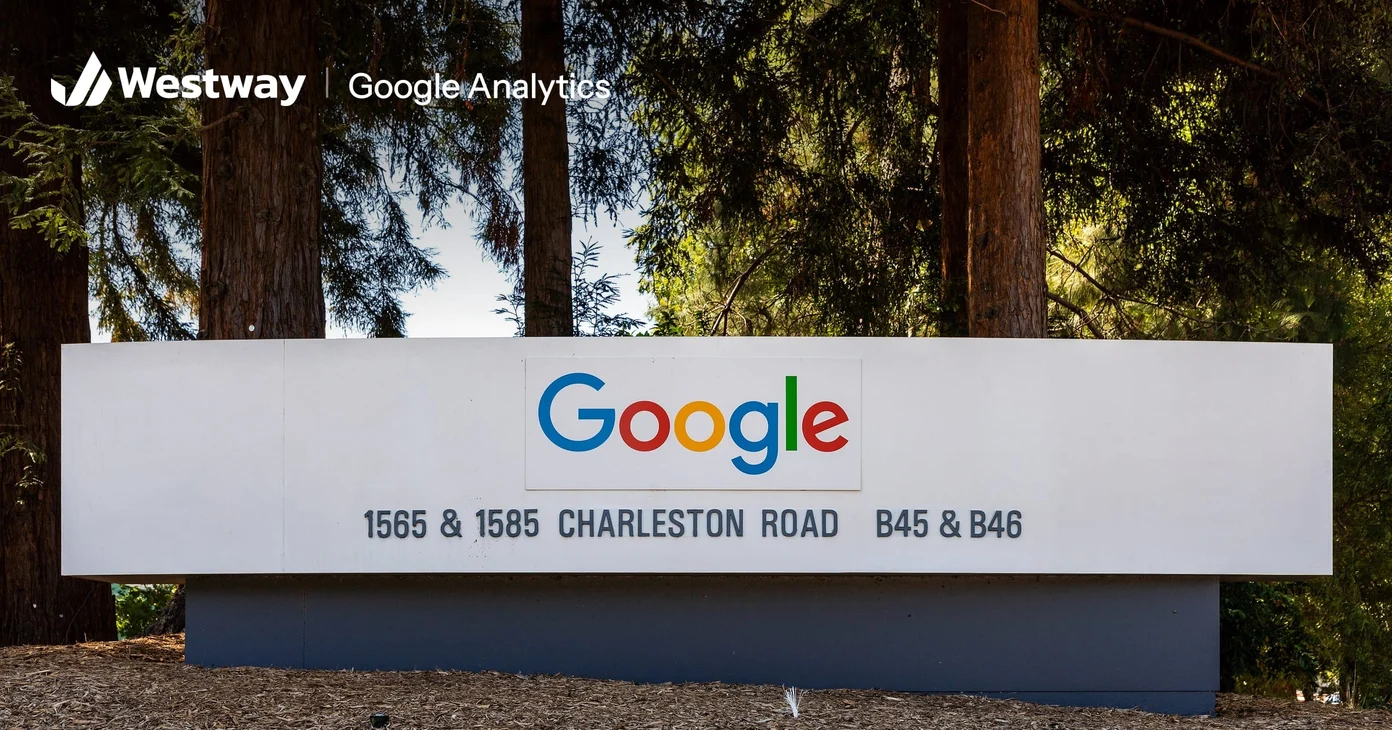
Photo by Dietmar Rabich, CC BY-SA 4.0, via Wikimedia Commons (cropped, logo added)
Google Analytics is a free tool that shows who visits your website, where they come from, and what they do once they arrive. It can feel overwhelming at first, but you only need a handful of reports to make better decisions. This beginner's guide cuts through the clutter and shows what actually matters. It covers Google Analytics 4 (GA4), the current version; Google retired the older Universal Analytics in 2023, so older tutorials may describe menus that no longer exist.
What does Google Analytics track?
Google Analytics answers a few key questions: how many people visit, which channels bring them, which pages they view, and what actions they take. You do not need every chart it offers. Knowing your traffic sources, your popular pages, and your conversions covers most of what a small business needs.
Behind the scenes, GA4 records almost everything as an event. A page view is an event, and so is a scroll or a click on a link to another site. You mark the events that matter to your business, such as a quote request or a purchase, as key events, which is what Google now calls conversions.
How do you set up Google Analytics?
You create an account and a property, then add a small tracking snippet, called the Google tag, to your site. Most website platforms make that last step simple: you paste a measurement ID that starts with "G-" into a settings field. The Google Analytics site is where you sign up, and Google's setup guide walks newcomers through each step.
To check it works, open the Realtime report and visit your own site. Data only starts from the day the tag goes live, so install it before you need it. Once it is collecting data, give it time; the numbers become meaningful over weeks, not hours.
What should you set up in the first week?
Four settings make the data far more useful:
- Mark your key events. In the Events report, mark the actions that matter, such as form submissions, bookings, or purchases. The label only counts from the day you add it, so do it early.
- Filter out your own visits. Define your office's internet address as internal traffic and exclude it, so your team's browsing doesn't inflate the numbers.
- Extend data retention to 14 months, the longest a free property allows. It only affects explorations and funnel reports, not the standard reports, but there's no reason to keep less.
- Link Google Search Console, Google's free tool for search performance, to see which searches bring people in. Our guide to Google Search Console explains it.
Which reports matter most?
The ones that show where visitors come from, which pages they spend time on, and which actions they complete. The Traffic acquisition report covers the first, so you know which channels work. Pages and screens covers the second, so you can do more of what resonates, and the Landing page report shows where visits begin. For the third, look at the key events column, which appears in many standard reports. In the tool, those views answer most questions a small business will ask.
Read them together. If most quote requests come from search but most traffic comes from social media, Google Analytics is telling you that social posts bring browsers rather than buyers, which is worth knowing before you spend more there.
What mistakes do beginners make?
The biggest is drowning in metrics or obsessing over numbers that do not change decisions, like raw page views. Pick the few figures that connect to your goals and check them regularly. Used this way, Google Analytics becomes a decision tool rather than a source of anxiety. Watch for these traps too:
- Comparing one week with the next. Normal swings are large, so compare whole months, or the same month last year.
- Reading "Direct" as people typing your address. It also collects visits GA4 can't trace to a source.
- Treating the figures as exact counts. Visitors who decline cookies or use blockers may not be recorded, so watch the trend.
For the numbers worth tracking beyond this tool, see our guide to the website metrics every business should track.
Frequently asked questions
Is Google Analytics free?
Yes. The standard version is free and more than enough for most small businesses. Google sells a paid version, Analytics 360, for large companies.
Is it hard to set up?
Not very. Most platforms offer a simple way to add the tracking code. The part that takes thought is choosing your key events.
Which metrics should a beginner watch?
Traffic sources, top pages, and conversions. The rest is detail. If you only watch one thing, make it key events by channel, because it shows which sources bring customers.
How soon will I see useful data?
Allow a few weeks. Trends matter more than any single day's numbers, and a full month gives you a first baseline to compare against.
How often should I check it?
Monthly suits most small businesses, with a closer look during a campaign or after a site change. Compare each month with the one before and the same month last year, and note one decision the numbers support.
Make sense of your data
Used well, Google Analytics turns guesswork into informed decisions. If you do one thing this week, mark the action that matters most to your business as a key event, then check it every month. Our marketing team helps businesses set up tracking and focus on the numbers that drive growth.
